Zendia is a self-improvement platform that blends journaling, to-do lists, wellness tracking, and AI to drive meaningful, measurable personal progress.
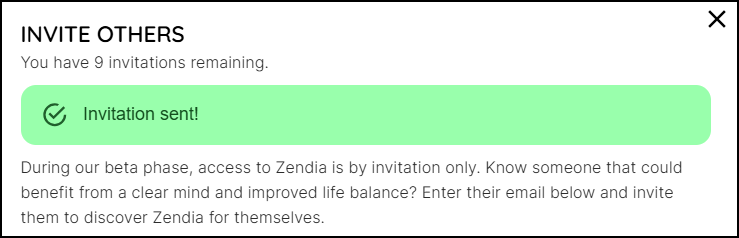
As you build Zendia into your daily practice, you may want to share your insights and offer Zendia to your friends and family to expand their journeys. You still keep your privacy as there is no sharing on this platform. To invite others to look at Zendia could not be easier.
To invite someone to join Zendia:
1. Click the Menu icon and choose Invite Others.
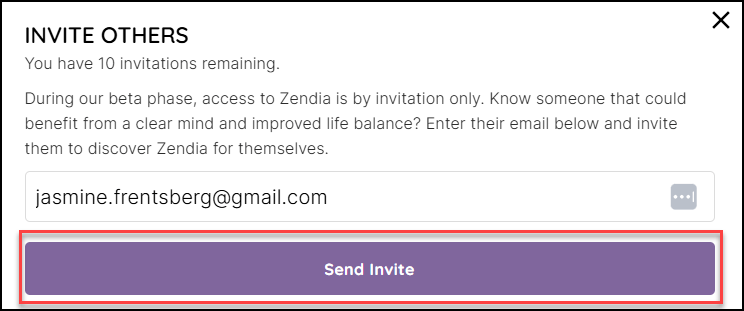
2. Enter the email address of the person you want to share Zendia in the field provided and click Send Invite. During the beta phase, you can send up to nine invitations.